Overview
The Category Checker provides detailed information about a specific category as stored in the search system.
Running the Checker
- Enter either the category number or the category name in the input field.
- If multiple categories match, a flyout menu will appear for selection.
- Click “Search Category” to retrieve category data.
- If the category is not found, an error message will be displayed.
- Alternatively, click “Browse Catalog (Storefront)” to open the Shop Homepage and explore subcategories.
| Field/Button | Description |
|---|
| Category | Name of the category. |
 | Exports the full product list as a CSV file. |
| Category Path | Displays the hierarchical path leading to this category. |
| Category ID | Unique category number. |
| Level | Navigation depth of the category. |
Category Attributes
| Attribute | Description |
|---|
| Standard filter | Filters always applied in this category (e.g., a purple color filter in a “Lavender” category). |
| Std_MainNaviDisplayName | Alternative display name in the main navigation (e.g., "Women" instead of "Women's Fashion"). |
| UrlSlug | URL segment for this category (e.g., "womens-fashion"). The final URL is built from the slugs of all parent categories. |
| isOnline | Determines if the category is visible (true = visible, false = hidden). |
| Position | Sorting order of the category within its parent category (used for navigation). |
| Filters | List of filters displayed in this category (configured in PIM). |
| naviicon | Icon for mobile and app navigation (e.g., "cat-women.png" for burger menus). |
| contentInfo | Content block information for integration with Drupal CMS. |
Product Statistics
| Field | Description |
|---|
| Total Styles | Number of products assigned to this category in PIM. |
| Total Styles (Excluding Deleted) | Number of products excluding the filtered out ones. |
| Total Styles (Excluding Deleted & Sold Out) | Number of available products after filtering sold-out and removed items. |
| Hidden for Search | Whether the category is hidden in search results (true = hidden, false = visible). |
| Last Update | Date of the last modification. |
| Processing-Date of Upsert Message | Timestamp when the latest category update was processed. |
| Update-Date from Message | Last modification date in PIM. |
| Processing-Date of Delete Message | Timestamp when the latest delete message was processed. |
| Update-Date from Delete Message | Timestamp when the category was deleted in PIM. |
Category Actions
| Button | Function |
|---|
 | Reprocesses the category message from PIM. |
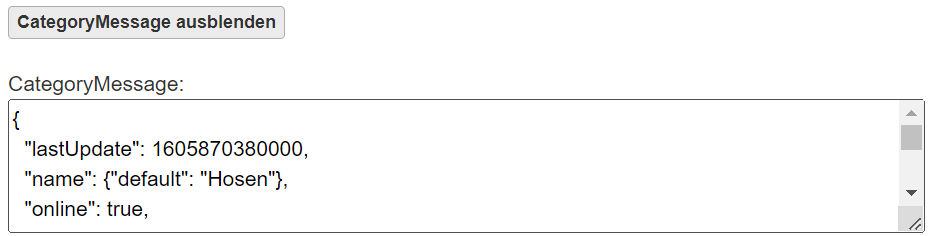
 | Displays the category message. Toggles to “Hide Category Message” when active.
 |
 | Manually deletes the category message. |
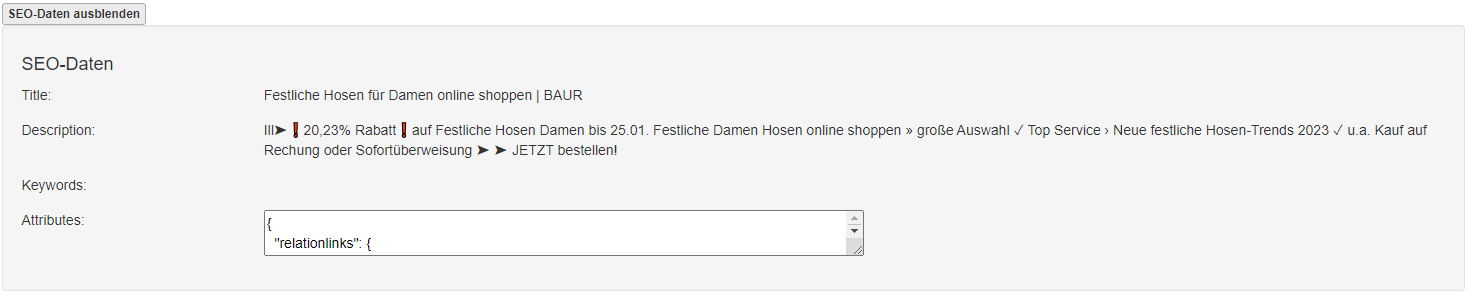
 | Displays SEO data for the category. Toggles to “Hide SEO Data” when active.
 |
Subcategories
If the selected category is not at the lowest level, subcategories will be displayed here.
Clicking a subcategory opens its Category Checker page.
Product List
Clicking “Show All Styles” expands the category to display all products instead of just the first 10.
| Field | Description |
|---|
| Pos | Product position. |
| Image | Thumbnail image displayed. |
| Style-SKU | SKU of the displayed product variation. Clicking redirects to the Style Checker. |
| Short Description | Brief product description. |
| Availability | Indicates if the product is available, backordered, or sold out. |
| RuleEngine Score(s) | Ranking value assigned via the Business Rule Tool. |

