

Paragraph Category Teaser
The Drupal paragraph “Category Teaser” is used to display and link multiple shop categories in a clear and highly clickable way on CMS pages such as storefronts or landing pages. It allows editors to quickly manage category entry points without worrying about layout or mobile optimization.
A Category Teaser is a fully linked element consisting of an image and text, and can appear in different design variants (e.g. Circle, Rectangle, Type Only). Tracking and Dynamic Yield fields also enable promotional analysis and personalization. The paragraph is fully responsive, can be used across tenants, and is especially suitable for homepages, campaign, and overview pages where users should be guided directly to relevant categories.
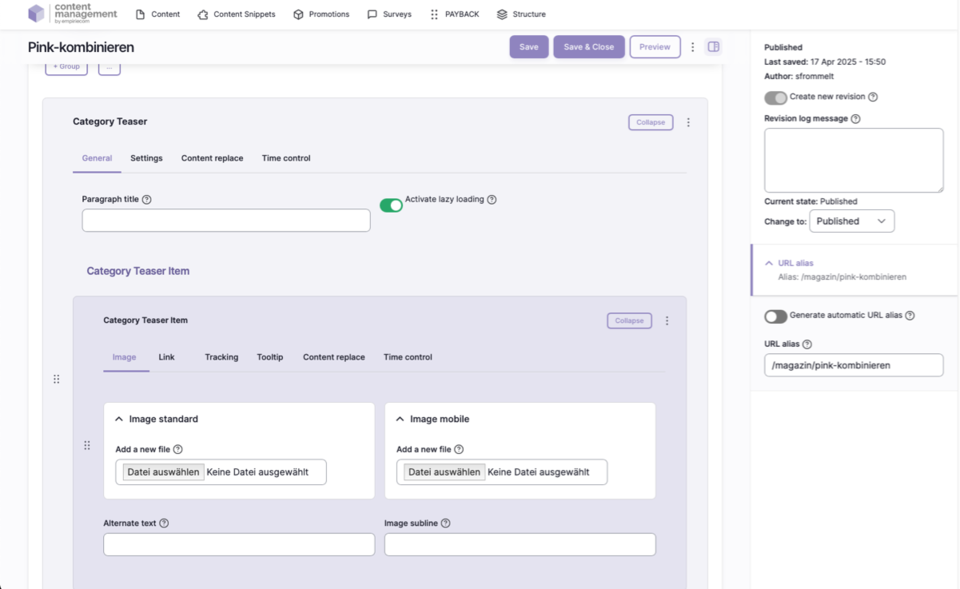
Display Variants on the Website
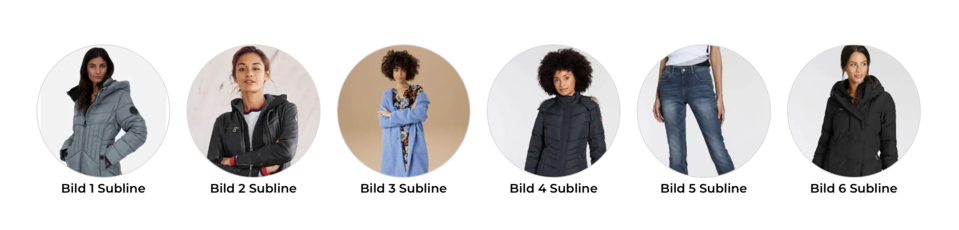
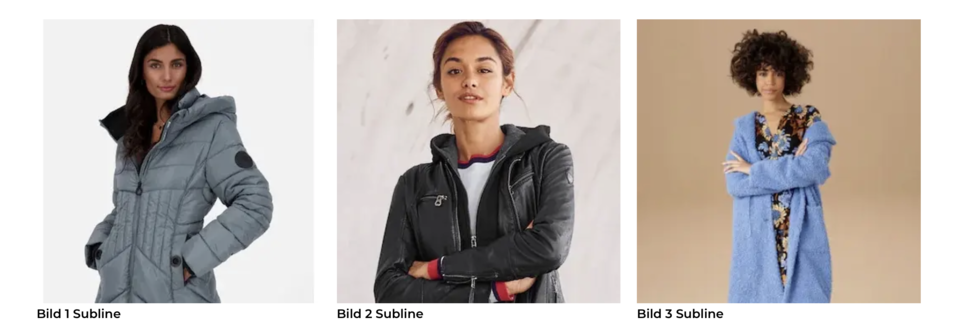
The Category Teaser can be displayed in various variants on the website:
Circle Variant:
Rectangle Variant:
Type Only Variant:

General Information & Variants
- Display as circle, rectangle, or type only (text only)
- Alignment: centered or left-aligned
- Outline: thin border or no border
- Outer spacing: freely defined margin for the element’s outer spacing
- Layout, colors, and further spacing are defined via the tenant-specific CSS
Image & Linking
- Images can be maintained for standard, mobile, and tablet
- Caption: text below the image
- Link: link on the image (as with standard image paragraphs)
- The entire element (image and text) is linked
Configuration Options
| Field | Description |
|---|---|
Paragraph Description | Internal description for better overview in edit mode |
Variant | Circle, Rectangle, Type Only |
Alignment | Centered, Left |
Outline | Outline thin, None |
Outer Spacing | Margin specification for the element’s outer spacing |
Image | Standard, mobile, and tablet image |
Caption | Text below the image |
Link | Linking, target window (_self, _blank), bonus number, anchor, highlight, search filter |
Tracking | Campaign and category tracking, detail fields |
Tooltip | Activate/deactivate tooltip, position and content (promotion or snippet) |
Personalization | Display for specific user groups (e.g. logged-in users, bonus program, credit affinity) |
Accessibility | Skip link for improved accessibility |
Time Control | Control visibility by time (from/until) |
Operation and Editing
- Category Teaser can be used multiple times on a page
- Elements can be added, removed, duplicated, or sorted
- The content of the tabs “Settings,” “Tracking,” “Tooltip,” “Personalization,” “Accessibility,” and “Time Control” are standardized and repeated in many paragraphs