

Paragraph Empty slot
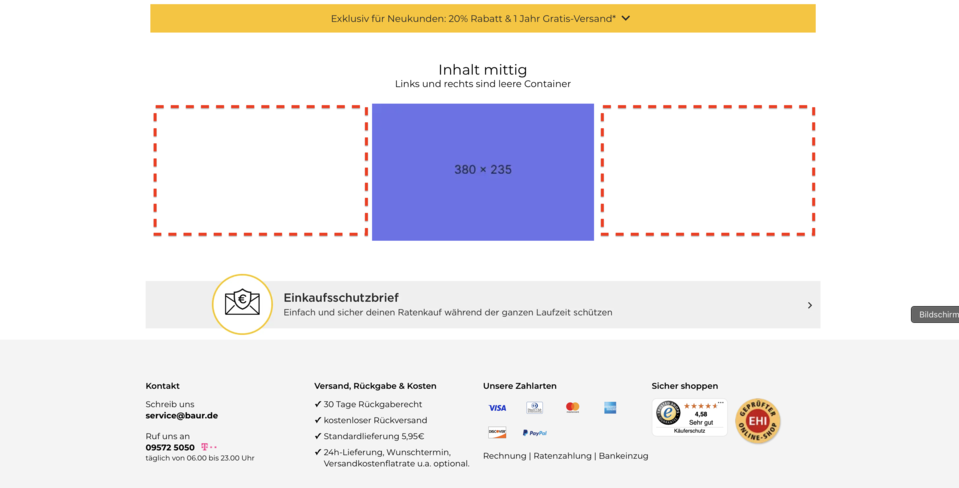
The “Empty slot” paragraph allows you to specifically create empty areas within group paragraphs. It is used to design multi-column layouts where not every column contains content. This enables editors to flexibly control the structure of pages and deliberately set placeholders for future content or intentional empty spaces.
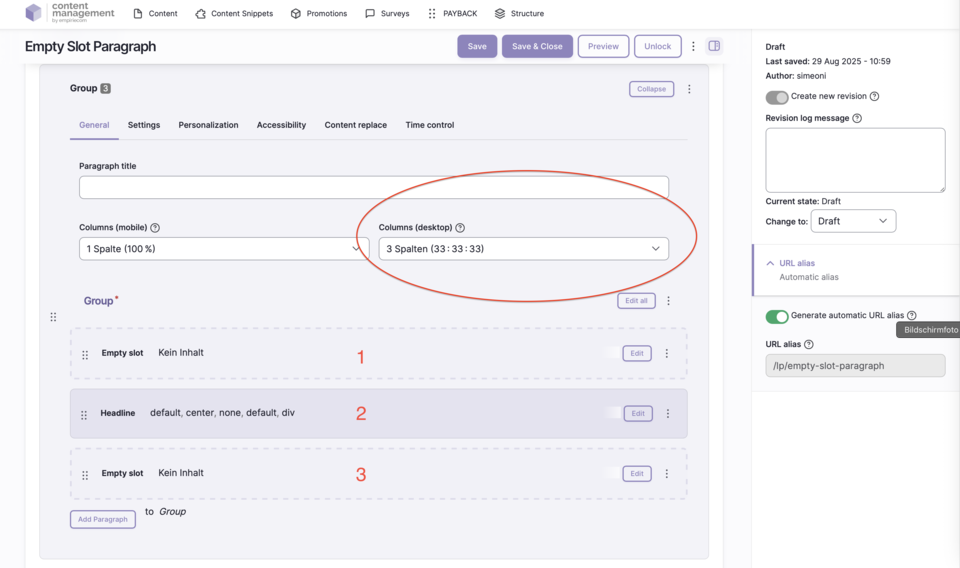
Features & Benefits
- Inserts an empty area (slot) within a group
- Required for multi-column layouts where individual columns should remain empty
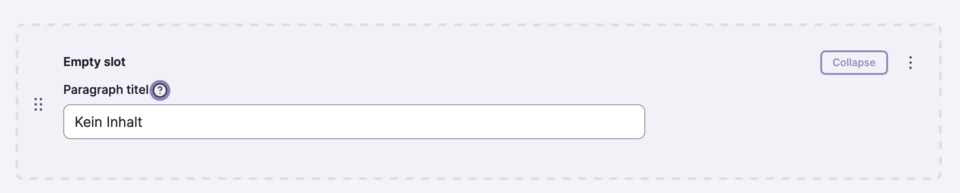
- No configuration options except for the internal name
- Flexible page and column layout possible
Backend Configuration
Steps
- Create ContentType.
- Insert the “Empty slot” paragraph.
- Add the empty slot and, if desired, assign an internal name.
Usage Notes
Field Overview
| Field | Description |
|---|---|
Name | Internal label for better clarity in edit mode |